Have you ever searched for a pair of running shoes on a random website, closed the tab, and then two minutes later seen an ad for the exact same shoes on your Facebook feed? It feels almost eerie. Like Facebook was somehow watching over your shoulder.
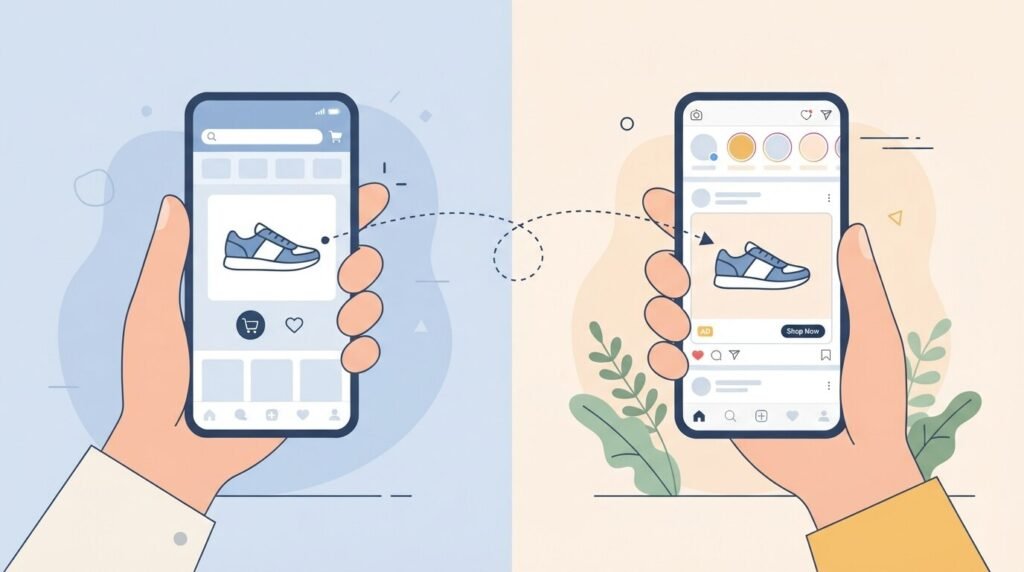
It wasn’t a coincidence. It wasn’t magic. It was Off-Facebook Activity — a behind-the-scenes tracking system that most people have no idea exists, even though it’s been quietly collecting data on them for years.
Here’s the thing: Facebook actually built a tool that lets you see this tracking and even shut it down. It’s called the Off-Facebook Activity tool, and it’s one of the most powerful — and least talked about — privacy settings on the entire platform.
But there’s a catch. And it’s a big one.
Meta has announced that it will no longer offer the “Your activity off Meta technologies” setting that lets you disconnect activity that businesses share with them from your account. Instead, they are expanding a different setting called “Activity from other businesses.These control and data-use changes will go into effect in the US and a number of other countries next month, with more countries to follow.
That means the window to use this tool is closing. If you’ve been putting off reviewing your Off-Facebook Activity, right now is the time to do it.
Let’s break down exactly what this feature is, how it works, and what you should do before it changes.
What Is Off-Facebook Activity, Really?
The Tracking You Never Agreed To
Most people think of Facebook as an app they open to scroll through posts, see what friends are up to, and maybe share a photo or two. What they don’t think about is everything that happens outside the app.
Facebook doesn’t just collect data about what you post, like, or share on its platform. It may also receive information about your activity on websites and apps that integrate Meta’s tracking technology. This is known as off-Facebook activity.
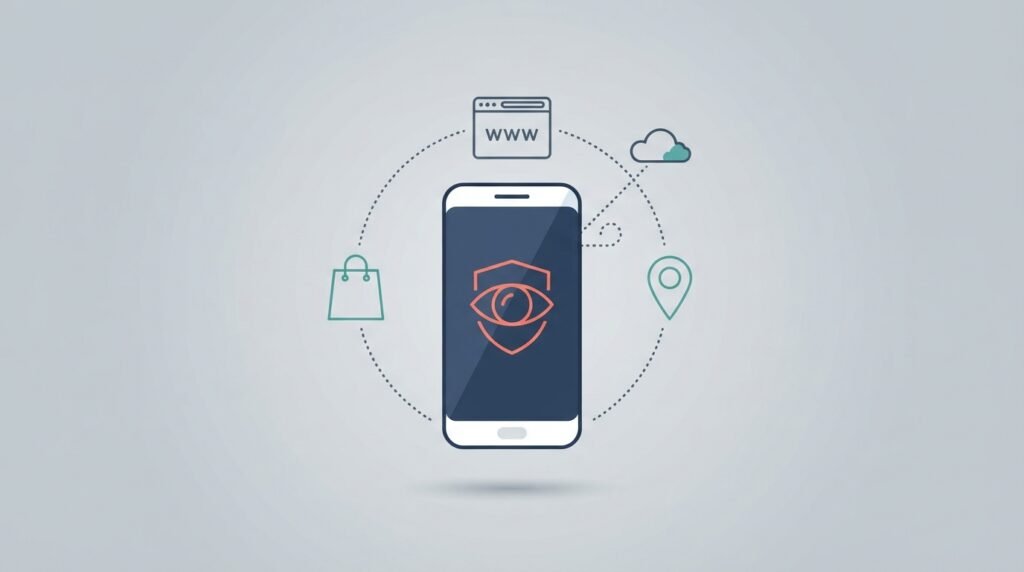
So how does it actually work? When you visit a website that has a Facebook tracking pixel embedded in it — and thousands of websites do — that site sends information back to Meta about your visit. This includes what pages you viewed, what you clicked on, what you almost bought, and sometimes even what you typed into forms.
It’s a behind-the-scenes system that lets Meta track what you’re doing on other apps and websites — what you click, what you browse, even what you almost bought — and then uses that info to shape what shows up on your feed. It’s how that hotel you peeked at once suddenly becomes the star of your ad carousel.
You might be thinking: “I never agreed to this.” And that’s a fair reaction. The tracking happens because websites and businesses chose to install Meta’s tools on their platforms. You don’t have to be a Facebook user for this to happen — Meta even collects data on people who don’t have accounts, though it can’t link that data to a personal profile without a login.
What Can You Actually See in Your Off-Facebook Activity?
A List That Might Shock You
This is the part that tends to surprise people. When you open the Off-Facebook Activity tool, you don’t just see a vague warning about “some tracking.” You see an actual list of every app, website, and business that has sent your data to Meta.
And the list is usually much longer than anyone expects.
It might include your bank’s website. Your fitness app. A news outlet you read occasionally. An e-commerce store you visited once three months ago. An airline you checked flights on. Each entry shows you how many interactions were tracked and what type of data was shared.
You can also click or tap on a website or app to find out exactly what information it shared about you with Facebook — including how many times you’ve interacted with it, when you logged in using Facebook, and how Facebook acquired information about you from that app or website.
It can be genuinely eye-opening. Most people don’t realize how extensive Meta’s reach is across the broader internet until they see their own list laid out in front of them.
How to Access Off-Facebook Activity Right Now
Time is running out to use this tool in its current form, so here’s exactly how to find it on both mobile and desktop.
On Mobile (iPhone or Android)
- Open the Facebook app
- Tap the three horizontal lines (☰) — bottom right on iPhone, top right on Android
- Scroll down and tap “Settings & Privacy”
- Tap “Settings”
- Tap “Accounts Center” at the top
- Select “Your information and permissions”
- Tap “Your activity off Meta technologies”
On Desktop / Laptop
- Go to Facebook.com and log in
- Click the dropdown arrow in the top-right corner
- Click “Settings & Privacy” → then “Settings”
- On the left panel, click “Accounts Center”
- Click “See more in Accounts Center”
- Under “Account settings,” click “Your information and permissions”
- Click “Your activity off Meta technologies”
You can also go directly to: facebook.com/off_facebook_activity/
Read Our Article About Facebook Monetization Tools 2026
How to Clear Your Off-Facebook Activity History

Once you’re in the tool, you have a few options. Let’s go through each one clearly.
Option 1: Clear Previous Activity
This removes past off-Facebook data from being associated with your account. Think of it as a clean slate for your existing tracking history.
Clearing your history only removes past activity from your account. If you don’t want Facebook to collect future data, you need to disable off-Facebook activity entirely. However, Facebook may retain data about your past activity in aggregated form.
So clearing history is a good first step, but it’s not a complete solution on its own.
Option 2: Disconnect Future Activity
This is the more powerful option. It tells Facebook not to link any new off-platform activity to your account going forward.
From the Accounts Center screen, click “Your information and permissions,” followed by “Your activity off Meta technologies,” then “Manage future activity.” On this screen, choose the option to “Disconnect future activity,” followed by the “Continue” button, then confirm one more time. Note: This may take up to 48 hours to take effect.
There’s one important thing to know before you do this:
Turning off Future Activity disables the Facebook Login tool that lets you sign in to other services with your Facebook credentials. As an alternative, you can disable Future Off-Meta Activity for specific apps and sites where you don’t need Facebook Login.
In other words, if you use “Login with Facebook” to sign into apps or websites, disconnecting future activity will log you out of those services. It’s worth it for most people, but it’s worth being aware of beforehand.
Option 3: Disconnect Specific Apps or Sites
Don’t want to disconnect everything? You can go through your list and selectively turn off tracking for individual apps or websites, while keeping it active for others where you genuinely use Facebook Login. This gives you the most granular control.
Read Our Article About Facebook Affiliate Partnerships Program
BREAKING: Meta Is Removing This Tool — What’s Changing
This is the most important part of the article, and it’s brand new.
Meta has announced they are streamlining their controls and will no longer offer the “Your activity off Meta technologies” setting that lets you disconnect activity that businesses share with them from your account. As part of this update, they are expanding the “Activity from other businesses” setting, which lets you control how they use this data to personalize your experience.
To be clear about what this means: the ability to disconnect third-party tracking from your profile is going away. The new “Activity from other businesses” setting will still exist, but it only controls how Meta uses the data — not whether they collect it and link it to your account.
Meta says they are not collecting any new data as part of this update. This is about using information that businesses already send to them to further improve your experience. For example, if you’ve recently purchased a tent online, you might see more Reels about camping.
That framing — “better personalization” — is Meta’s way of presenting this as a benefit. Whether you see it that way depends on how you feel about a company using your browsing behavior across the entire internet to shape what you see on their platform.
The “Clear History” button, despite its name, doesn’t actually delete anything. It disconnects the data from your account, preventing the company from using it for targeted ads. Meta keeps a copy though, and will continue to use it for analytics reports provided to other websites and advertising clients.
This is the honest reality: even with the current tool, complete removal of data is not possible. But the ability to disconnect it from your account — which is the most privacy-protecting option available — is being phased out. That’s a meaningful change, and users deserve to know about it.
📌 Official Meta announcement: Better Personalization and Changes to Controls for Your Activity From Other Businesses — Meta Newsroom, June 9, 2026
Additional Steps to Reduce Facebook Tracking
Turning off Off-Facebook Activity is a solid starting point, but there are other steps worth taking if privacy matters to you.
Inside Facebook settings:
- Turn off Location Access for the Facebook app on your phone — go to your phone’s system settings and revoke location permission
- Disable your Ad ID in your phone’s settings (this limits Meta’s ability to track you across apps)
- Review App Permissions and remove access for apps you no longer use
Outside Facebook:
- Adjust your browser’s settings to block third-party cookies and limit cross-site tracking, and install a privacy extension that blocks Facebook’s known tracking domains and scripts.
- The Electronic Frontier Foundation’s Privacy Badger browser extension blocks Meta’s tracking pixel from loading on websites you visit — it’s free and works across major browsers
None of these steps eliminate tracking entirely, but each one reduces the amount of data Meta can link back to your personal profile.
Should You Be Worried?
This is a fair and reasonable question. The honest answer is: it depends on your comfort level with data sharing.
If you’re generally comfortable with personalized ads and don’t mind Facebook knowing what you browse across the internet, the changes Meta is making won’t feel like a big deal. You’ll still see ads — they’ll just be more tailored to your online behavior.
If, however, you value separating your Facebook activity from your broader online life, the removal of the disconnect option is a genuine loss of privacy control. The window to use that feature in its current form is closing, and acting now gives you the best possible outcome under the current system.
At minimum, it’s worth opening the tool just to see your list. Most people are genuinely surprised by how many websites and apps have been sending their data to Meta without them ever realizing it.
Conclusion: Use This Tool Before It’s Gone
The Off-Facebook Activity tool isn’t flashy. It doesn’t have a clever name or a big launch announcement. Most Facebook users have never even heard of it, let alone used it. But it’s one of the most revealing privacy features on any major social platform — and right now, it’s also one of the most time-sensitive.
Meta is removing the ability to disconnect your off-platform tracking data from your account. The timeline is imminent in the US, with other countries to follow. That means the next few weeks are your best — and possibly last — opportunity to clear your existing history and disconnect future tracking while the full tool is still available.
It takes about five minutes. And once you see your list, you’ll understand exactly why this feature mattered.
About the Author
Written by a tech writer with over 6 years of experience covering social media platforms, data privacy, and online safety. Focused on helping everyday users understand the tools and settings that actually protect them — without the technical jargon.
Frequently Asked Questions
1. What is Off-Facebook Activity and how does it work?
Off-Facebook Activity refers to data that third-party websites and apps send to Facebook (Meta) about your behavior outside the platform. When you visit a website that uses Meta’s tracking tools — like the Facebook Pixel — that site reports back to Meta about your actions. This data is then used to show you more targeted ads on Facebook and Instagram. The Off-Facebook Activity tool lets you view this data and, currently, disconnect it from your account.
2. How do I find the Off-Facebook Activity tool?
On mobile: go to the Facebook app → Menu (☰) → Settings & Privacy → Settings → Accounts Center → Your information and permissions → Your activity off Meta technologies. On desktop: Facebook.com → Settings & Privacy → Settings → Accounts Center → Your information and permissions → Your activity off Meta technologies. You can also go directly to facebook.com/off_facebook_activity/.
3. Does clearing Off-Facebook Activity actually delete my data?
Not completely. Clearing your history disconnects the data from your personal account, which means Facebook can no longer use it to target you with ads. However, Meta retains the data in aggregated form and continues to provide it to businesses for analytics purposes. The data is unlinked from you personally — but it is not deleted from Meta’s systems entirely.
4. Will I still see ads after turning off Off-Facebook Activity?
Yes. Disabling Off-Facebook Activity does not remove ads from Facebook. You’ll still see the same number of ads, but they may feel less specifically targeted to your recent browsing behavior because Facebook will have less off-platform data to personalize them with.
5. Is Meta really removing the Off-Facebook Activity disconnect tool?
Yes. Meta officially announced on June 9, 2026 that they are discontinuing the “Your activity off Meta technologies” setting — the one that lets you disconnect third-party tracking data from your account. They are replacing it with a more limited “Activity from other businesses” setting that only controls how Meta uses the data, not whether it’s linked to your account. The change will roll out in the US first, followed by other countries.